Skytags App Icon

Skytags®

Find the hashtags Instagram actually rewards

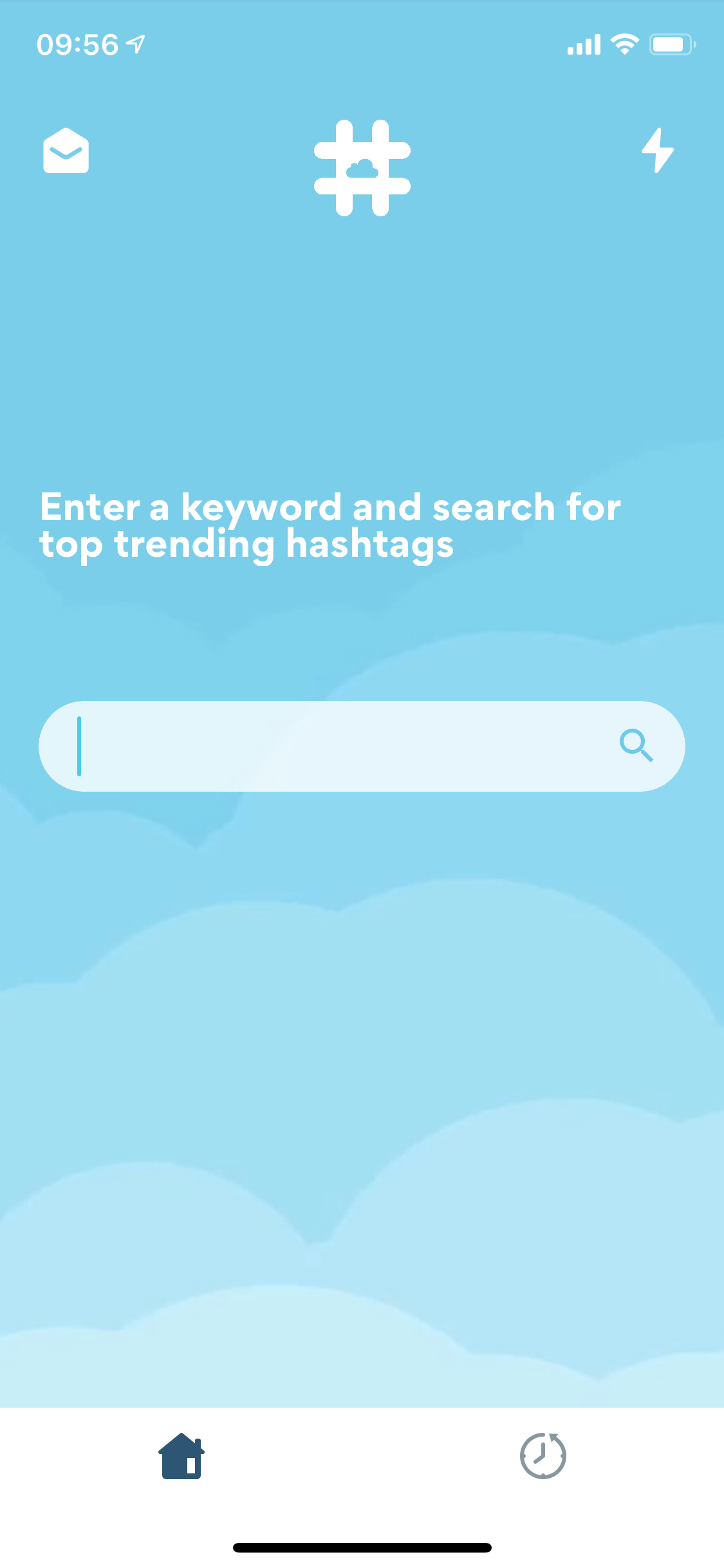
Type a keyword. Skytags pulls live trending hashtags, color-codes them by traffic, and copies the perfect set in one tap. No guessing, no spreadsheets.

4.6 · App Store rated

Download on the App Store

Everything you need to grow with hashtags

🔍

Live trending results

Type one keyword and get up-to-the-minute hashtags ordered by traffic. No stale lists.

🎯

Smart performance scoring

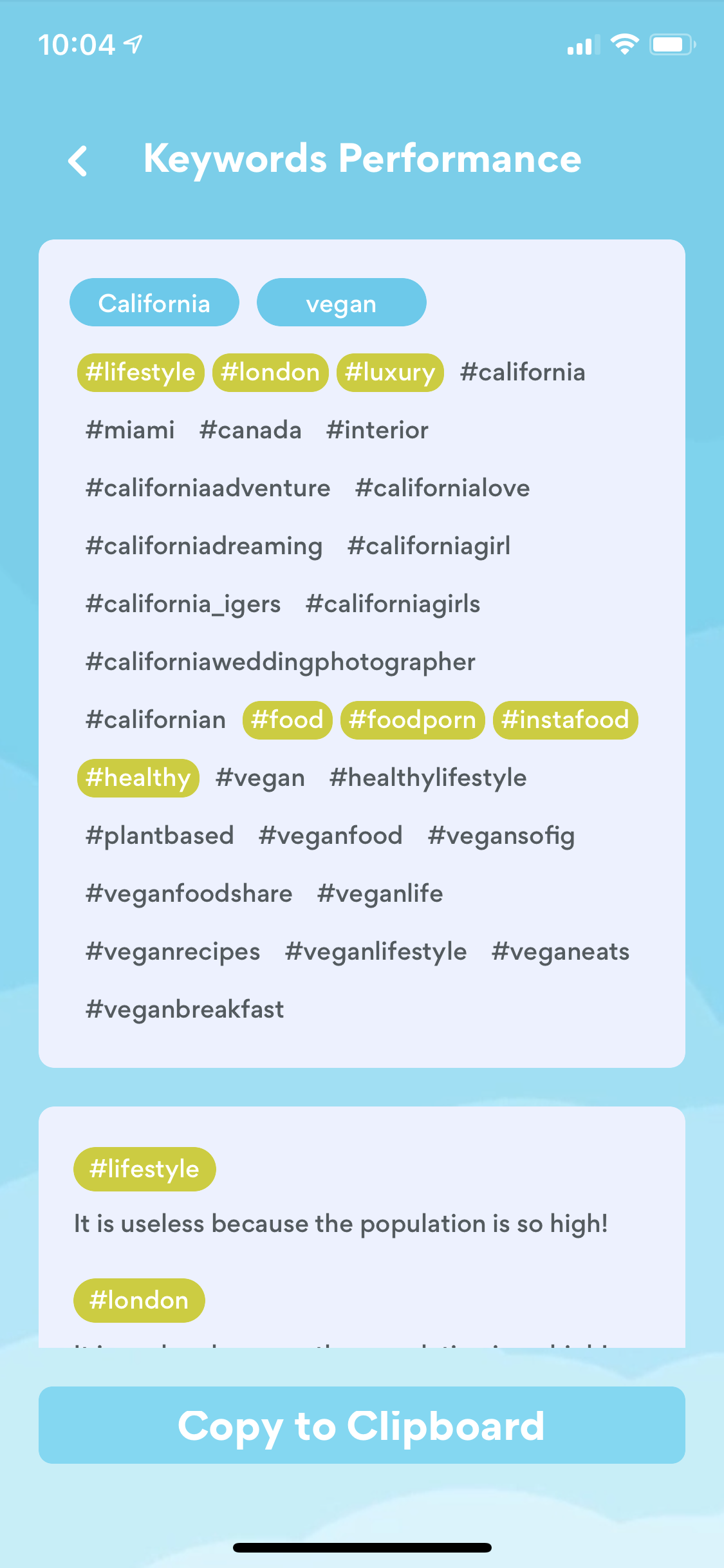
Tags are color-coded so you can avoid crowded keywords and pick ones your post can actually rank in.

📋

One-tap copy

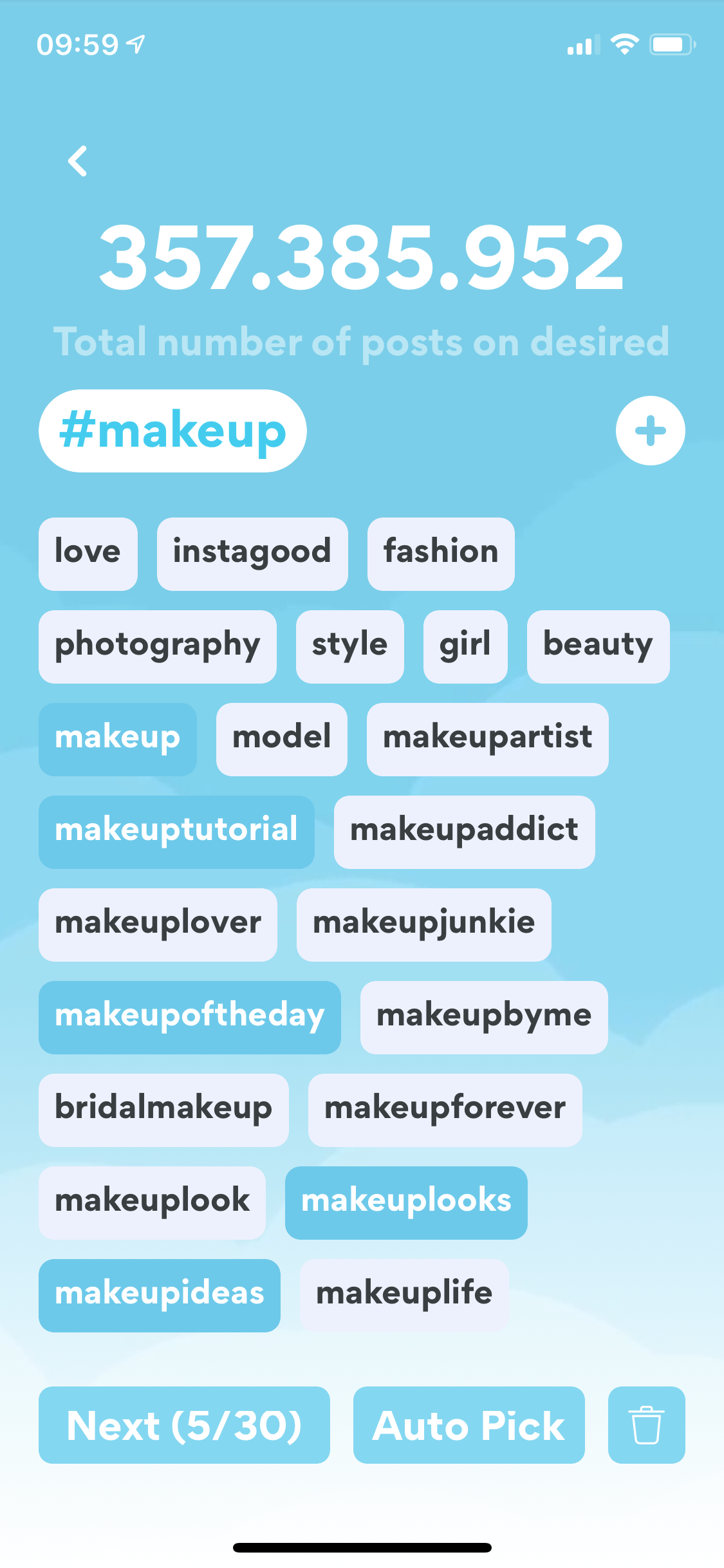
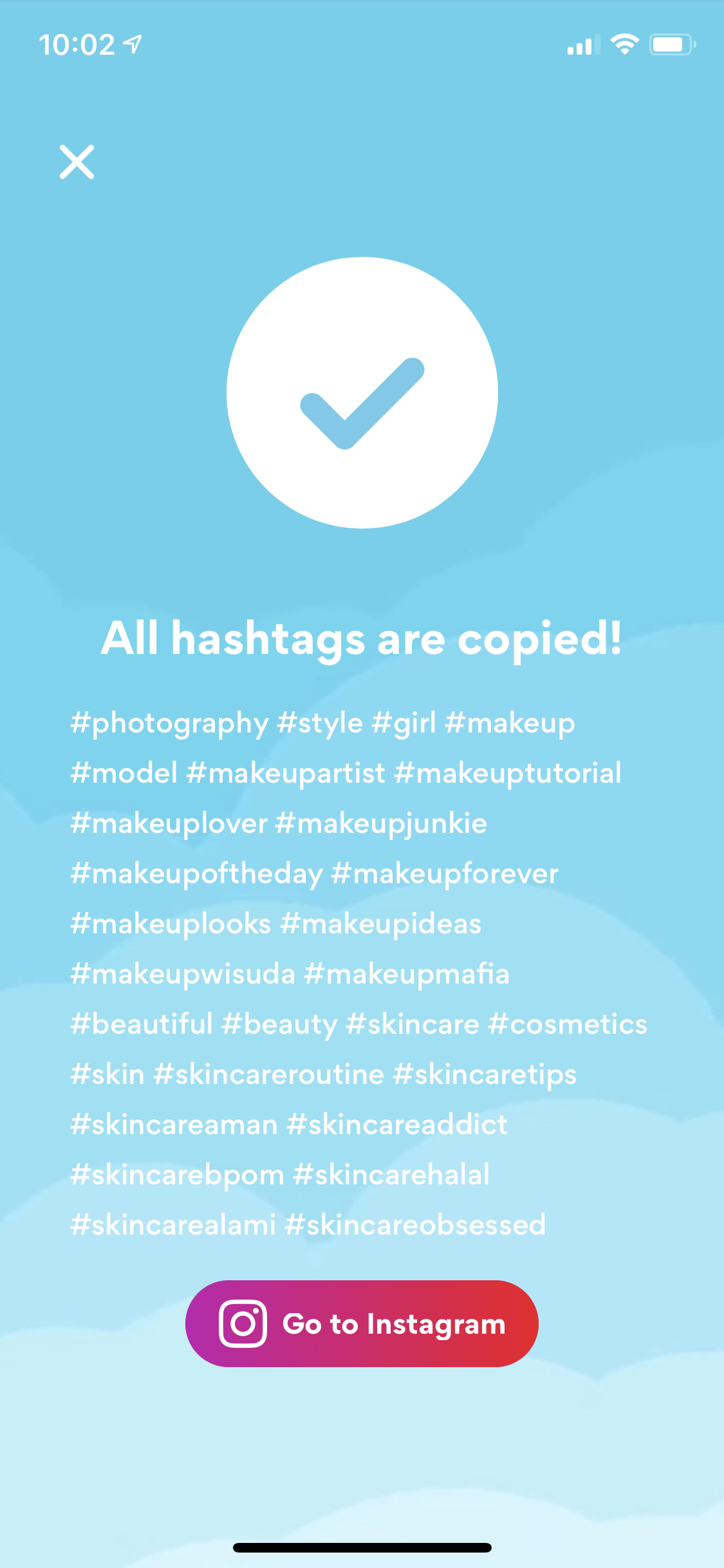
Build a set of up to 30 hashtags and copy the whole group to your clipboard with a single button.

📊

Group analytics

Track how each hashtag group performs over time and double down on what's actually working.

🕒

History & reuse

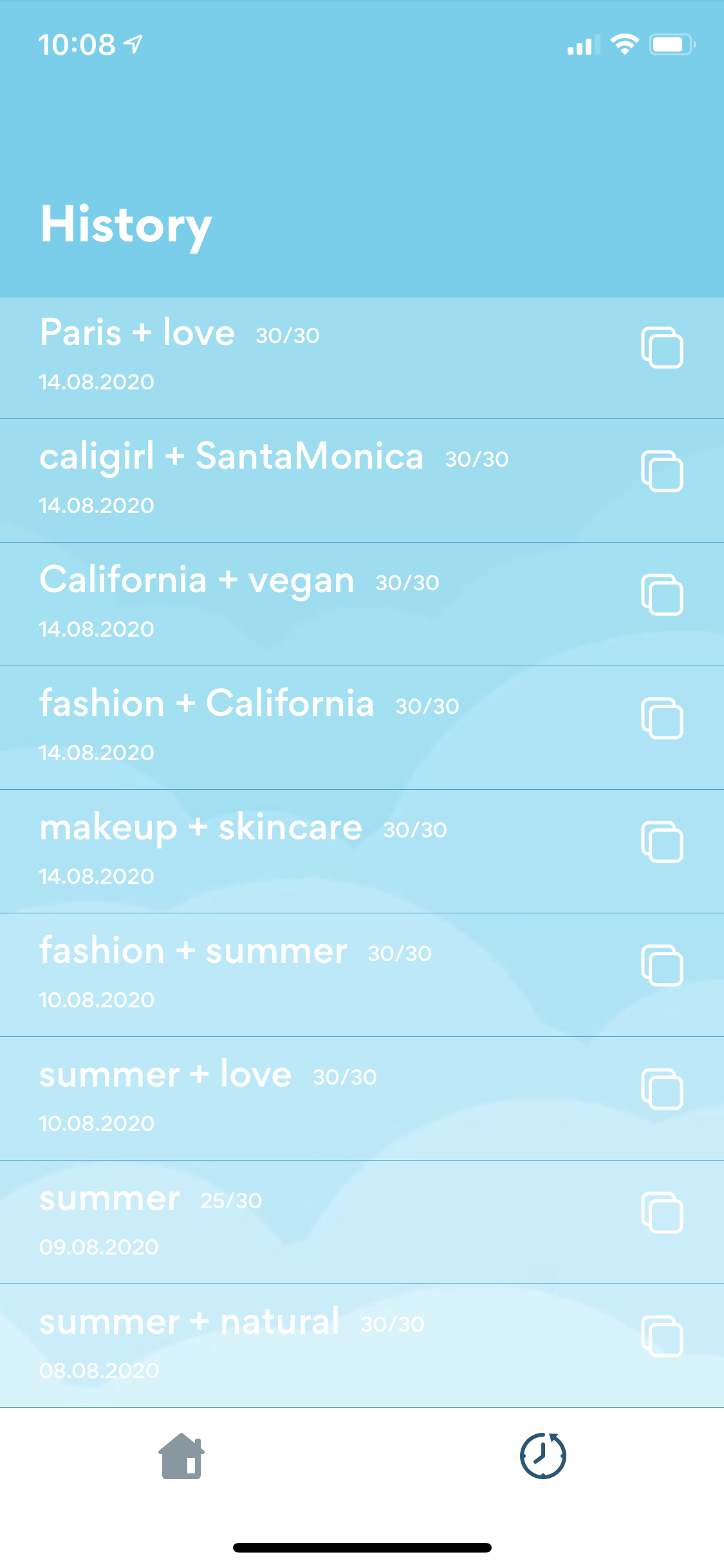
Every search you make is saved. Re-open old groups for repeat posts in two taps.

No login required

Skytags never asks for your Instagram password. Just open the app and start.

Frequently Asked Questions

Do I need to log in to Instagram to use Skytags?

No. Skytags does not require an Instagram login. You only need a keyword to start generating hashtags.

How does Skytags pick the best hashtags?

Type in a base keyword and Skytags pulls live, trending hashtags ranked by traffic. You can mix multiple keywords and use Auto Pick to get a balanced set in one tap.

What does the Keywords Performance screen show?

Each hashtag is color-coded by traffic. Green and yellow tags are well-sized and reachable, while red tags are usually too crowded to surface your post.

Is Skytags free?

Skytags is free to download with a 7-day free trial. After the trial, a subscription unlocks unlimited hashtag groups, history, and live analytics. You can cancel anytime.

Is Skytags available on Android?

No. Skytags is currently available only on iOS via the Apple App Store.

Is Skytags affiliated with Instagram or Meta?

No. Skytags is an independent app and is not affiliated with Apple, Meta, or Instagram.

How do I cancel my subscription?

Open Settings on your iPhone → tap your name → Subscriptions → Skytags → Cancel. It's one tap, no questions asked.